Lock the sites that should wait.
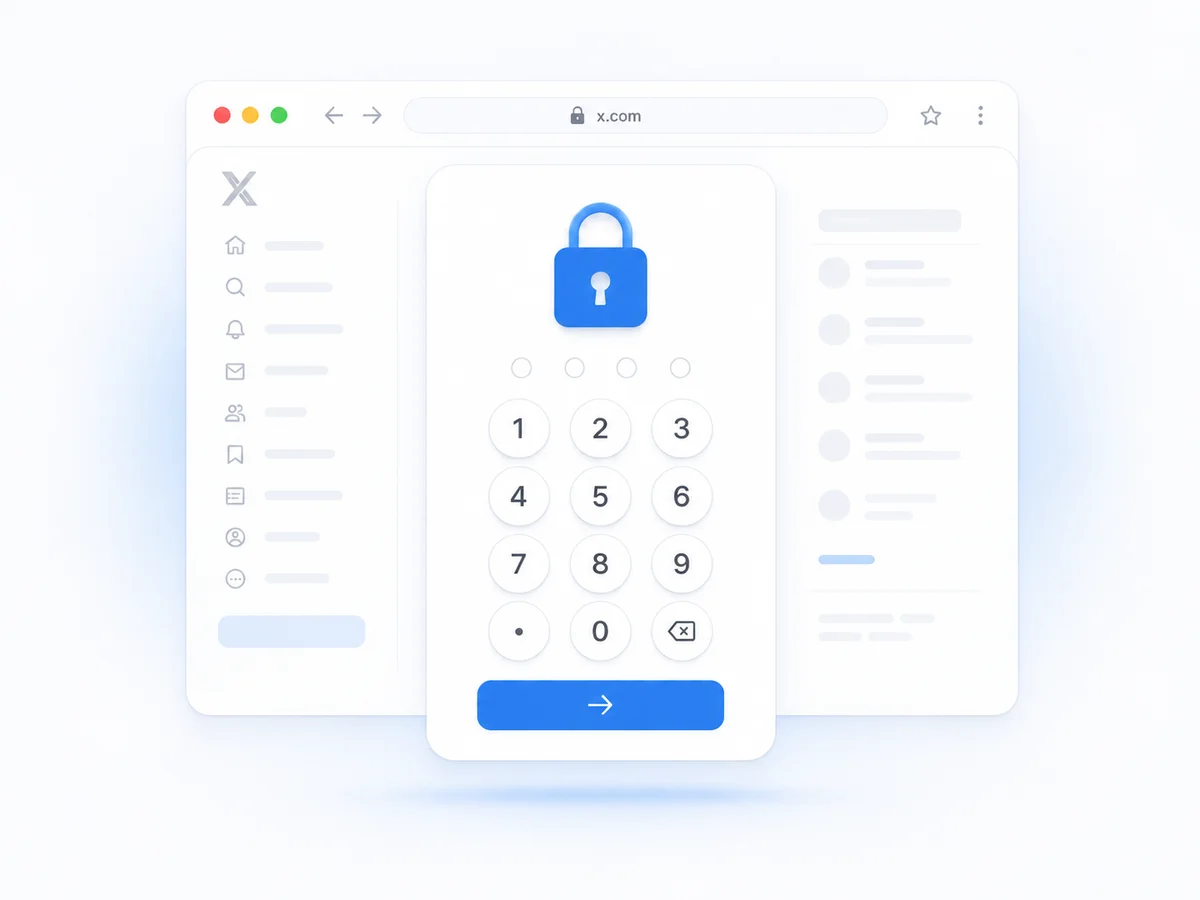
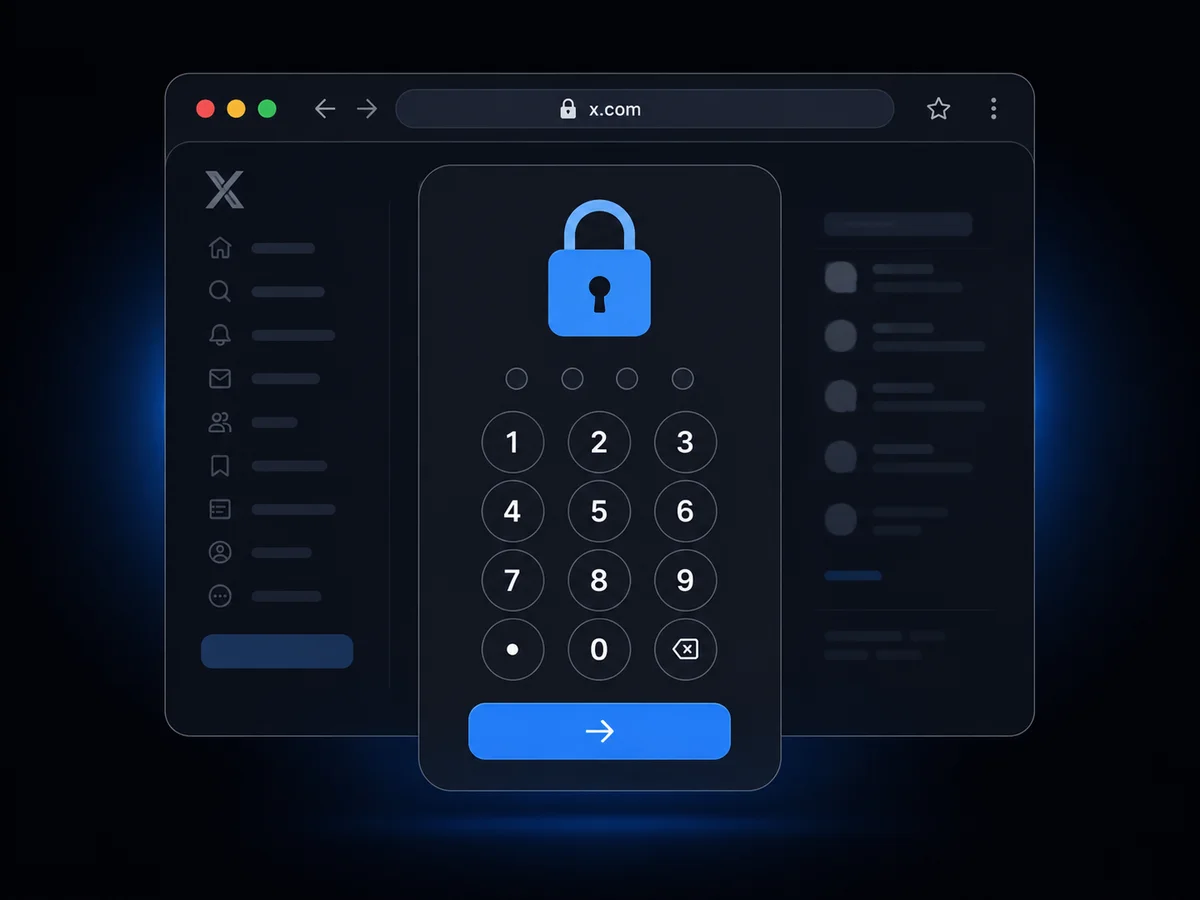
Add any domain. Bastion intercepts the request and serves a PIN challenge first. The real page never starts loading until you unlock it.
Built for real enforcement.
Most website blockers hide content after it loads. Bastion stops the request before it leaves the browser.
Network-first block
Locked domains are redirected before the browser sends a request. No cached previews, no autoplay leaks, no background tabs slipping through.
One master PIN
One four-digit code protects every site. No separate passwords to remember, no password manager required.
Brute-force lockout
Three wrong PIN attempts lock the domain for five minutes. Every open tab on that site re-locks automatically.
Instant re-lock
Press Alt+Shift+L or Option+L to lock the current tab again without closing it.
Recovery phrase
A six-word phrase is generated at setup. Keep it somewhere safe and use it to reset your PIN if you forget it.
Anti-tamper overlay
If the network redirect is bypassed, a closed Shadow DOM overlay pauses media and re-injects itself when removed.
How it works.
Four steps between a distracting site and a locked tab.
Install Bastion
Download the zip and load the unpacked extension in Chrome developer mode.
Set your PIN
Pick a four-digit master code and save the recovery phrase somewhere safe.
Add a site
Enter the domain and confirm your PIN. The tab reloads and the challenge appears.
Unlock once
Enter your PIN on the challenge page. That tab is allowed until you re-lock it.
Security is the whole point.
Bastion is built for people who want to be stopped. The lock lives in the network request, not on top of a loaded page.
It stops normal bypass attempts, curious siblings, and distracted versions of yourself. It cannot stop someone with full machine access who can disable or uninstall the extension; no browser extension can.
PBKDF2-hashed PIN
The original PIN is never stored. It is hashed with a random salt and 100,000 PBKDF2 iterations.
Per-tab sessions
Unlocking one tab does not unlock another. Each tab proves itself independently.
Declarative network rules
Redirects are handled by Chrome's declarativeNetRequest API, not a content-script race.
No network, no leak
Because the request is blocked before it leaves the browser, the real page data cannot be cached, scraped, or previewed.
Load it in Chrome.
Download the zip, enable Developer mode, and load the unpacked folder. Setup takes under a minute.
Download the build
Grab bastion.zip from the download button.
Unzip the archive
Extract the folder somewhere you can find it.
Enable Developer mode
Open chrome://extensions and flip the switch in the top right.
Load unpacked
Click Load unpacked and select the extracted bastion folder.
Lock your first site
Open Bastion, set your PIN, add a domain, and try visiting it.